Field note · Guide
KDA Dance AI vs. Motion Capture: Which Is Better for Creating Digital Dancers?
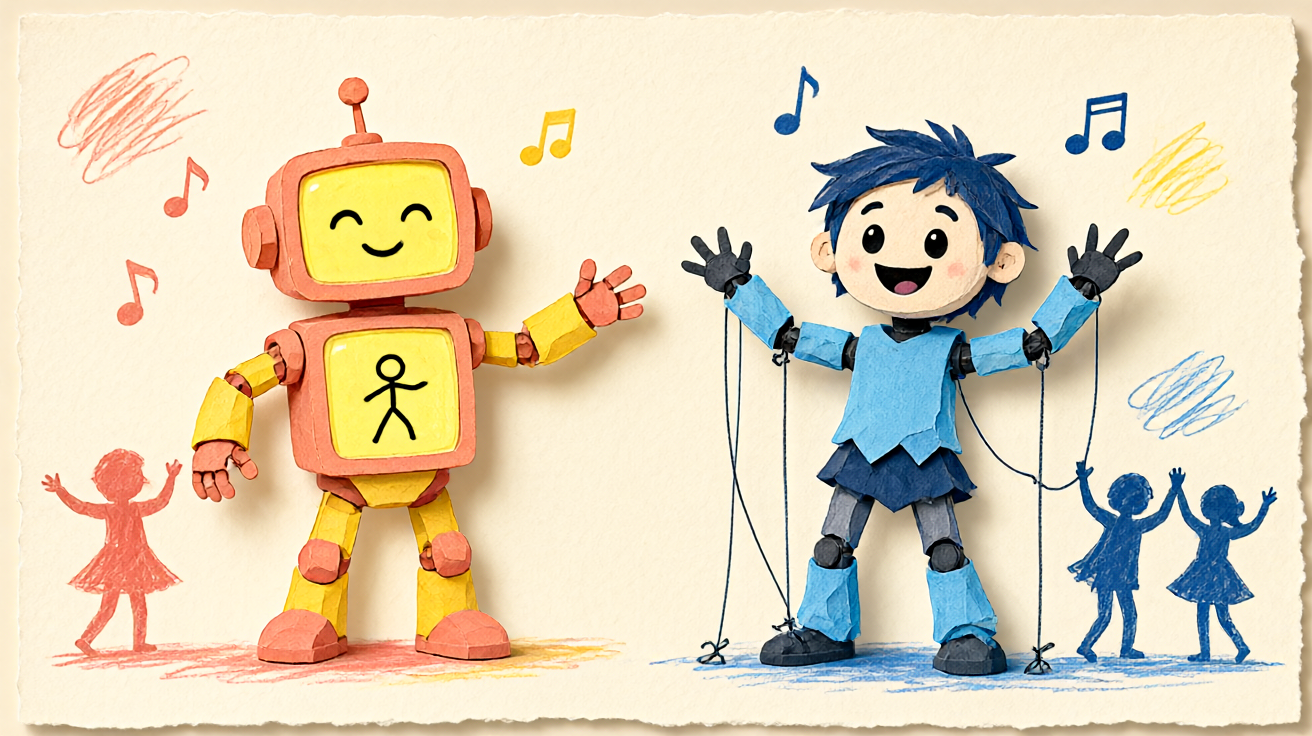
## Navigating Modern Dance Animation Pipelines Creators entering the digital performance space frequently face a critical infrastructure decision: invest in leg...
Navigating Modern Dance Animation Pipelines
Creators entering the digital performance space frequently face a critical infrastructure decision: invest in legacy sensor-based tracking systems, or leverage machine learning pipelines to synthesize movement. For newcomers, this crossroads determines budget allocation, skill development paths, and project timelines. Evaluating the trade-offs between established tracking hardware and generative video platforms requires understanding how each approach handles data acquisition, rigging, and final output. Below is a structured breakdown designed to help independent artists, educators, and small studios make informed decisions without unnecessary technical overhead.
Traditional Motion Capture: Industry-Standard Fidelity
Legacy tracking workflows rely on physical instrumentation to record human movement in three-dimensional space. Optical systems employ infrared cameras and reflective markers, while inertial setups utilize wearable suits equipped with gyroscopes and accelerometers. Once captured, the raw point-cloud data undergoes cleaning, hole-filling, and retargeting onto a 3D skeleton before animation software can interpret it.
This pipeline delivers sub-millimeter precision and frame-perfect continuity, making it indispensable for cinematic VFX, AAA gaming, and broadcast sports analysis. However, the beginner experience is defined by steep learning curves and substantial capital requirements. Purchasing a basic inertial suit ranges from $2,000 to $10,000, and mastering data extraction, root stabilization, and bone hierarchy mapping typically demands months of dedicated training in applications like Blender, Maya, or proprietary SDKs. Even minor marker occlusions or cable tangles corrupt datasets, forcing re-shoots or manual cleanup that eats into production windows.
Generative Dance Synthesis: The AI Alternative
Machine learning models trained on millions of labeled movement sequences now offer a different pathway. Instead of recording physical actors, these systems ingest textual descriptions or visual references and predict coherent kinematic patterns through latent space sampling. The output arrives as rendered video frames, bypassing skeletal retargeting entirely and delivering immediate visual feedback.
Modern generative pipelines excel at rapid ideation, style exploration, and concept validation. They require no specialized hardware, eliminate calibration routines, and operate within cloud-based workstations. Creators can iterate choreographic concepts in minutes rather than days, test multiple tempo variations, and maintain consistent aesthetic direction across short-form deliverables. The trade-off lies in granular joint control: users cannot precisely isolate individual finger articulations or guarantee identical frame-to-frame physics without additional refinement steps.
Comparing KDA Dance AI vs Traditional Motion Capture for Beginners
When evaluating entry-level production stacks, several operational variables dictate suitability. The table below outlines how each methodology performs across dimensions that matter most to newcomers:
• Hardware & Financial Overhead – Tracking suits, camera arrays, and computing workstations demand upfront investment ranging from thousands to tens of thousands of dollars. AI generators operate on subscription or credit tiers, converting fixed capital expenditure into predictable operational costs visible on our Pricing page.
• Technical Onboarding – Legacy pipelines require proficiency in coordinate system alignment, root motion translation, and mesh rigging. Generative interfaces prioritize prompt engineering, reference curation, and parameter tuning, allowing creators to produce usable results after brief platform familiarization.
• Iteration Velocity – Physical sessions lock you into scheduled studio time, costume changes, and repeated takes for minor adjustments. Synthetic workflows enable instant regeneration with modified descriptors, letting you explore dozens of stylistic permutations in a single sitting.
• Precision & Predictability – Sensor-based systems deliver deterministic, repeatable outputs essential for synchronized group performances or game engine integration. Diffusion-based generators introduce controlled stochasticity; outputs remain highly accurate but may exhibit subtle pose variations across successive renders.
• Best-Fit Scenarios – Tracking excels when downstream pipelines require clean FBX/LBV files, real-time streaming, or commercial licensing with chain-of-title documentation. AI synthesis shines for storyboarding, social media assets, educational demos, and standalone artistic statements where rapid visual communication outweighs engineering precision.
The practice of comparing kda dance ai vs traditional motion capture for beginners ultimately reduces to aligning tool capabilities with project scope. Independent filmmakers, choreographers, and content educators consistently report that AI platforms accelerate prototyping phases while preserving the option to migrate select sequences to tracked rigs later.
Selecting the Optimal Workflow for Your Projects
Match your technical resources and creative objectives to the appropriate stack. If your deliverable requires integration into Unreal Engine, Unity, or Maya for interactive deployment, prioritize capturing clean BVH/FBX exports through validated tracking vendors. If your goal centers on visual storytelling, promotional reels, or classroom demonstrations where frame-rate consistency matters more than sub-pixel accuracy, generative synthesis offers unmatched agility.
Many professional studios now hybridize both approaches: using AI to storyboard rhythm and spatial blocking, then deploying targeted tracking passes for hero shots requiring complex acrobatics or partner lifts. Beginners should not view these methodologies as mutually exclusive competitors, but as complementary instruments in a broader creative toolkit.
Executing Your First AI Choreography Sequence
Transitioning from theory to practice involves following a streamlined verification loop. Start by browsing the available AI models to identify architectures optimized for fluid body kinetics and balanced composition. Prepare either a descriptive prompt outlining tempo, genre, and camera framing, or upload up to two reference stills that establish posture and lighting conditions.
Once submitted, the system processes inputs through a tested diffusion pipeline calibrated for short, reviewable one-shot clips. Expect generation times proportional to sequence length, with outputs typically capped at standardized durations and resolutions to preserve quality and manage compute loads. Before committing credits, verify your allowance and expected yield through the estimate calculator to avoid mid-project interruptions.
Remember that this platform functions strictly as a clip generator rather than a full non-linear editor. It does not support multi-scene stitching, automated captioning, background scoring, or guaranteed deterministic results across batch runs. For deeper instruction on prompt structuring, resolution management, and iterative refinement techniques, consult our curated Blog library. Complete feature documentation and account setup are available via the Homepage.
By anchoring your initial experiments in transparent capability boundaries and realistic output expectations, beginners can rapidly build confidence, develop a personal style vocabulary, and scale toward professional-grade pipelines without unnecessary friction or financial risk.
Questions readers ask
Questions About This KDA Dance AI Video Guide
What is KDA Dance AI, and how does it compare to traditional motion capture for beginners?
KDA Dance AI is a browser-based scenario-to-video tool that converts text prompts or reference images into animated dance sequences using artificial intelligence. Unlike traditional motion capture, which requires expensive suits, studio setups, and specialized rigging skills, KDA Dance AI removes hardware barriers entirely. Beginners can generate complex choreography in minutes without learning animation pipelines, retargeting, or physics simulation, making professional-quality movement accessible to anyone.
Does KDA Dance AI offer a free trial or starter credits?
Yes, new accounts receive a complimentary credit package upon registration, allowing you to test core generation features without financial commitment. Credits are consumed per video render, and additional packs can be purchased or earned through periodic refreshes. A free tier remains available indefinitely with limited daily generations, ensuring beginners can explore the platform before upgrading.
Are watermarks applied to exported videos, and how can I remove them?
Videos rendered on the free tier include a discreet KDA Dance AI watermark in the lower corner. To export clean, broadcast-ready footage, you must upgrade to a paid subscription, which automatically disables branding and unlocks higher resolutions. Watermark removal is instant upon plan activation with no manual editing required.
Can I use AI-generated dances commercially, and what are the copyright basics?
Paid subscribers retain full commercial usage rights for all KDA Dance AI outputs, including social media ads, client projects, and monetized content. Copyright ownership transfers to you as the creator, provided your input prompts and source materials are original or properly licensed. The platform operates under a standard end-user license that permits commercial exploitation while prohibiting redistribution of the raw model weights or unedited template files.
How fast is video generation, and what should I do if the process fails?
Standard sequence generation typically completes within 2 to 5 minutes, depending on resolution, clip length, and current server load. If generation stalls or errors out, verify your prompt follows content guidelines, refresh the interface, and retry with a simplified description. Failed renders due to platform-side issues automatically refund credits, and our system logs detail troubleshooting steps for edge cases like ambiguous pose requests or unsupported aspect ratios.
How does KDA Dance AI handle data privacy and secure my creative inputs?
All uploaded references and text prompts are transmitted over encrypted connections and processed in isolated environments. We do not store private project files beyond the rendering window, and user data is never sold or used to train public generative models. You maintain full control over your workspace, with options to permanently purge generation history and associated assets directly from your account dashboard at any time.
More KDA Dance AI guides
Related video guides
 How to Make a KDA Firestarter Video From One PhotoA practical guide to preparing one photo, choosing a frame, and reviewing a KDA Firestarter-inspired dance video before sharing.How to Turn a KDA Firestarter Cosplay Photo Into a Dance VideoA practical photo guide for using a cosplay look or original character image in a fixed KDA Firestarter dance-video workflow.KDA Dance AI | KDA Firestarter GIF or Video? Start With the Right ImageA format guide for people searching for a KDA Firestarter GIF, PFP, wallpaper, or 4K image and deciding how to create a short dance-video result.
Ready to test the format?
Turn one guide into a private dance-video test
Choose one authorized image, select 9:16 or 16:9, and review the fixed Firestarter-inspired performance before sharing.