Field note · Guide
Use-Case: Designing Customized AI Dance Tributes for Special Events
# The New Era of Celebration: How AI Is Reshaping Birthday Memos into Dance Videos Traditionally, a birthday celebration involved a specific set of rituals: the...
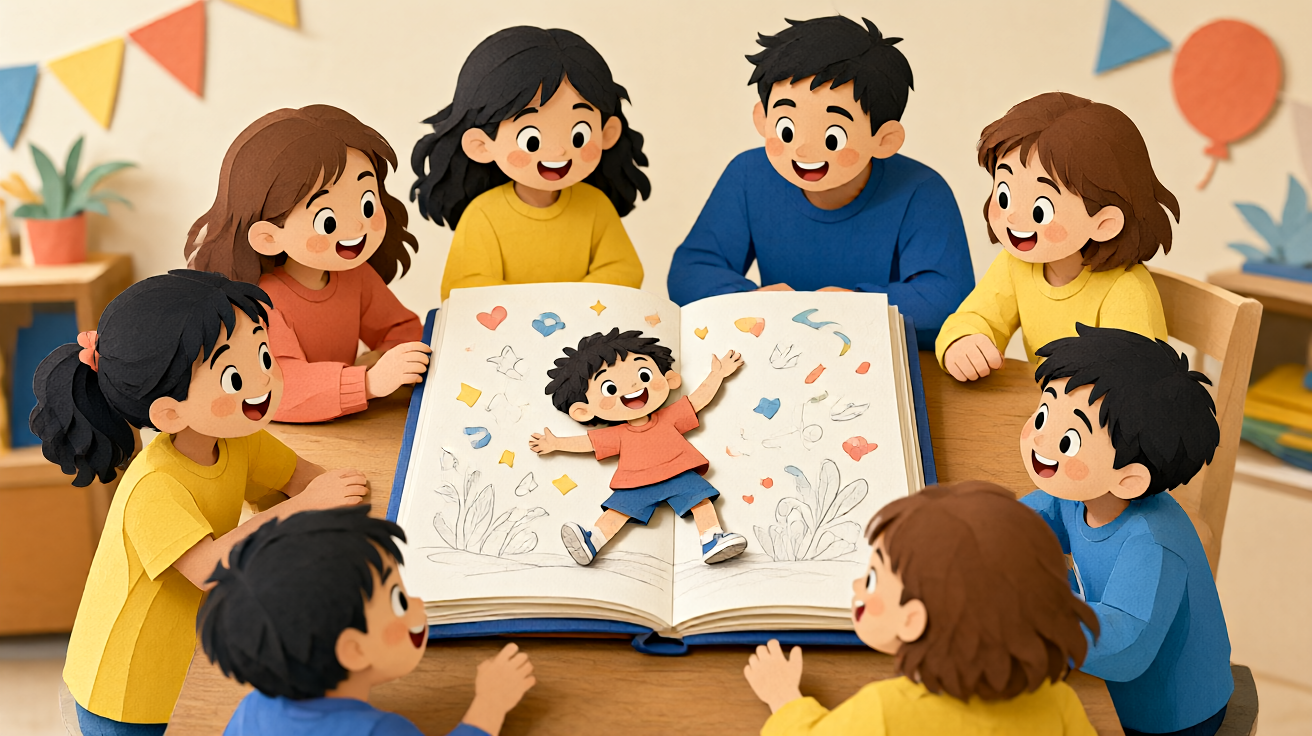
The New Era of Celebration: How AI Is Reshaping Birthday Memos into Dance Videos
Traditionally, a birthday celebration involved a specific set of rituals: the cake, the cards, and perhaps a short clip of the guest of honor blowing out candles. However, the way we preserve and share these fleeting moments is evolving rapidly. Moving beyond static photographs, creators and families are increasingly turning to generative technology to produce dynamic, personalized visual content. This shift is particularly noticeable in the realm of creating personalized dance birthday videos with ai, where static portraits are transformed into expressive, rhythmic animations that capture the joy of the occasion without the logistical hassle of organizing a live performance.
This guide explores how this emerging technology works, who benefits from it, and how to approach the creation process responsibly. We are not just discussing a novelty feature; we are looking at a new category of digital storytelling that bridges the gap between archival photography and performative video content. By understanding the mechanics of motion synthesis from still images, users can craft unique gifts that feel both technologically advanced and deeply personal.
From Still Frame to Dynamic Motion
The core innovation here is the ability to generate short, reviewable clips from text prompts or up to two reference still images. Unlike traditional video editing software that requires multi-scene assembly, captioning, and complex NLE (Non-Linear Editing) workflows, this approach focuses on a "one-shot" generation. You take a high-quality photograph of the birthday subject and a reference pose or video snippet, and the AI model interprets the motion to animate the subject.
For example, if you have a photo of your child at last year’s birthday, you can generate a new clip where they are "dancing a gentle sway to the rhythm of happy birthday." The key is that the input is limited to a text description and up to two reference stills. The output is a short, loopable, or single-take clip that preserves the identity of the subject while applying the requested movement. This makes it an accessible tool for anyone who wants to animate a photo but lacks professional video editing skills.
The Technical Reality: What to Expect
It is important to understand that this technology is currently suited for short, specific actions rather than full-length narratives. The generation process typically produces clips that are concise, allowing users to review the output and refine their prompts or reference images. The quality of the result is heavily dependent on the clarity of the input photos. Blurry or low-resolution source images will result in lower-fidelity animations.
When using tools like the KDA Dance AI platform, the workflow is straightforward:
- Select a Model: Choose an AI model suited for motion transfer or style-based animation. You can browse options in the AI models section to see which specific architectures are currently available for dance-related tasks.
- Upload References: Provide up to two high-resolution still images. One serves as the primary subject, and the second can serve as a pose or style reference.
- Define the Motion: Use a text prompt to describe the dance move. Simple descriptors like "swaying to the beat" or "bouncing with joy" work better than complex choreography instructions.
- Generate and Review: The system generates a short clip. This is a credit-based estimate step, meaning you will typically know the cost in credits before you commit to the final render. This allows for a reviewable process where you can check the result and decide if it meets your expectations before proceeding.
Why This Approach Beats Traditional Video Production
Organizing a traditional dance video for a birthday party requires scheduling, lighting, audio recording, and post-production editing. It is resource-intensive and often results in raw footage that needs hours of editing to become shareable. In contrast, the AI-driven method offers a streamlined alternative for specific, celebratory moments.
Key Advantages for Gift Creators
- Personalization at Scale: You can create unique animations for multiple friends or family members using just their existing photos. This allows for a cohesive theme where everyone in the group is "dancing" in their birthday cards.
- Emotional Resonance: An animated photo of a grandparent who is no longer present can be a profound way to keep their spirit in the celebration. The AI allows for the recreation of movement from a still, bridging the temporal gap.
- Low Barrier to Entry: There is no need to learn complex video editing software. The process is intuitive, focusing on the input (photos and prompts) and the output (the clip).
For a broader perspective on how these tools are being integrated into daily creative workflows, the Blog section features case studies and tips from early adopters. These articles often highlight how small tweaks in the prompt engineering can drastically change the fluidity of the dance.
Practical Use Cases Beyond the Party
While the primary application is birthday celebrations, the utility of creating personalized dance birthday videos with ai extends into other sentimental and marketing contexts.
- Digital Greetings: Imagine sending a birthday card where the recipient's own photo is animated with a subtle, joyful dance move. It is interactive and memorable, far more engaging than a static GIF.
- Event Recaps: Instead of compiling a full highlight reel, you can create a series of short, punchy "dance cards" for the main guests, which can be easily shared on social media stories or sent via messaging apps.
- Commercial Branding: For businesses, animating product images or founder portraits with dynamic movements can refresh digital marketing assets. A static logo or team photo can be brought to life with a rhythmic pulse, capturing attention in feeds dominated by long-form video.
Understanding Limitations and Ethical Considerations
As with any generative AI, it is crucial to manage expectations. The technology is not a full replacement for a professional video production pipeline. It does not handle complex multi-scene narratives, automatic captioning, or advanced music synchronization. The focus remains on the aesthetic of a single, continuous motion captured from a still image.
Furthermore, there are inherent limitations in the current state of the art. The motion generated is often stylized or generic rather than specific, complex choreography. If you ask for a "breakdance spin," the result may be a simplified approximation of that movement. Users should view this as an artistic tool for creating emotive, abstract motion rather than a precise simulation engine.
Ethical and Privacy Considerations:
- Consent: Always obtain explicit permission from the individual whose photo you are using. Animating someone’s likeness without their consent is a privacy violation.
- Data Privacy: Ensure that the platform you use has clear data handling policies. When you upload photos for processing, you need to know how they are stored and whether they are used to train future models.
- Honest Representation: Do not use these tools to create misleading content that implies someone performed a specific dance event when they did not. Use the technology to enhance celebration, not to deceive.
You can check the Pricing page to understand the cost structure associated with these generations, ensuring that your budget aligns with the number of clips you wish to create.
Getting Started with Your First Creation
If you are ready to explore this medium, start with a strong source image. High contrast and clear facial features help the AI preserve identity. Keep your text prompts simple and descriptive. For a birthday context, phrases like "happy bouncing" or "rhythmic swaying" yield positive results.
Remember that this is an iterative process. The first generation might not be perfect. Because the system allows for the review of short clips, you can tweak your reference images or prompt wording and regenerate until you achieve the desired emotional impact. This "one-shot" reviewability is a key feature that distinguishes it from traditional rendering pipelines that are costly to restart.
For a comprehensive overview of the platform's capabilities and how it fits into the broader AI creative ecosystem, visit the Homepage to see the latest updates and tool integrations.
Conclusion
The landscape of personal video creation is shifting. By leveraging AI to animate still images, we are moving towards a world where every photograph has the potential to move. This is not just about technology; it is about enhancing human connection. Whether you are celebrating a milestone, honoring a memory, or refreshing a digital presence, the ability to create personalized dance moments from still frames offers a new dimension of expression. As the models continue to improve in fluidity and identity preservation, the boundaries of what we can create will only expand. For now, start small, experiment with a single photo, and see how much joy a simple, AI-generated dance can bring to your next celebration.
Questions readers ask
Questions About This KDA Dance AI Video Guide
What is KDA Dance AI?
KDA Dance AI is a specialized scenario-video tool designed to help you create personalized dance birthday videos using artificial intelligence. It allows users to upload photos and generate custom dance sequences set to music, turning static images into dynamic, celebratory video content without requiring professional video editing skills.
Does KDA Dance AI offer a free trial or credits?
KDA Dance AI typically offers a limited number of free credits for new users to test the platform's capabilities before committing to a subscription. These free credits allow you to generate a few sample videos to evaluate the quality and style of the AI outputs. Specific credit amounts and trial periods may vary, so it is recommended to check the current pricing page for the most up-to-date offer details.
Are there watermarks on videos generated with KDA Dance AI?
Videos generated during the free trial or with basic credits may include a small KDA Dance AI watermark. However, users who subscribe to paid plans generally have the option to remove the watermark or generate videos without branding restrictions. Always verify your plan's specific terms regarding watermark inclusion before finalizing your birthday video export.
Can I use KDA Dance AI videos for commercial purposes?
Commercial usage rights depend on your subscription tier. Standard plans are usually intended for personal use, such as private birthday celebrations. If you intend to use the generated dance videos for commercial advertising, resale, or business projects, you must review the specific commercial license terms available in your account. Unauthorized commercial use of standard personal plan outputs may violate the service agreement.
How long does it take to generate a personalized dance video?
Generation speed varies based on video length, resolution, and current server load. Typically, rendering a standard 15-30 second dance sequence takes anywhere from a few minutes to less than 30 minutes. Complex moves or high-resolution outputs may take longer. The platform will display an estimated time remaining in your dashboard once the generation process begins.
What should I do if video generation fails or looks incorrect?
If a generation fails or the result is unsatisfactory, first check that your uploaded photos are high-quality, well-lit, and clearly show the subject's full body or upper torso. Retry the generation with adjusted photo angles. If issues persist, verify that your audio file is within supported formats and length limits. You can also contact KDA Dance AI support through the in-app help center for troubleshooting specific error codes or technical glitches.
How does KDA Dance AI handle data privacy and personal photos?
KDA Dance AI states that user-uploaded photos are processed securely and are not used for public training or shared with third parties unless explicitly consented to in your privacy settings. Data is encrypted during transmission and storage. While the AI may retain temporary copies for processing, you typically have the right to delete your account and associated media at any time. Review the latest Privacy Policy for detailed data handling procedures.
What are the basic copyright rules for using AI-generated dance videos?
In many jurisdictions, purely AI-generated content may not be subject to traditional copyright protection unless significant human creative input is involved. However, you retain usage rights to the specific output generated by the KDA Dance AI platform under your service agreement. You are responsible for ensuring that the music tracks and source photos you upload do not infringe on existing intellectual property rights.
More KDA Dance AI guides
Related video guides
 How to Make a KDA Firestarter Video From One PhotoA practical guide to preparing one photo, choosing a frame, and reviewing a KDA Firestarter-inspired dance video before sharing.How to Turn a KDA Firestarter Cosplay Photo Into a Dance VideoA practical photo guide for using a cosplay look or original character image in a fixed KDA Firestarter dance-video workflow.KDA Dance AI | KDA Firestarter GIF or Video? Start With the Right ImageA format guide for people searching for a KDA Firestarter GIF, PFP, wallpaper, or 4K image and deciding how to create a short dance-video result.
Ready to test the format?
Turn one guide into a private dance-video test
Choose one authorized image, select 9:16 or 16:9, and review the fixed Firestarter-inspired performance before sharing.